
How to Let an AI Chatbot Book Appointments From Your Real Calendar
Step-by-step guide to AI chatbot appointment booking: timezones, double-booking prevention, round-robin hosts, confirmations, and when to offer a slot.

Short answer
An AI chatbot can book appointments from your real calendar when four things are true: it only offers meeting types you chose, it fetches live availability instead of guessing, it shows slots in the visitor's timezone but books in the host's, and the calendar re-validates the slot at booking time so two visitors can never take the same one. In PepoChat this runs through a PepoSmart calendar connected with an API key; the agent gets a check-slots tool and a book tool per meeting type.
Most guides to AI chatbot appointment booking stop at "connect your calendar and turn it on". That is where the easy part ends. The hard parts are the ones that produce angry emails: a slot shown in the wrong timezone, two demos booked into the same 30 minutes, a mistyped email that never gets the confirmation, or a sales call offered to someone asking how to cancel.
This guide is for founders, support leads and ops people who want a chatbot to schedule meetings without babysitting it. It covers the setup, then each hard part and the rule that handles it. The worked example is PepoChat, whose booking flow runs through a PepoSmart scheduling calendar, but the checklist of what any booking integration must do applies to whatever tool you use.
How does AI chatbot appointment booking actually work?
Under the hood, booking is not one feature but a short sequence of tool calls. A tool is a function the language model is allowed to invoke, with typed inputs and a structured result, instead of producing free text. When a visitor writes "can I get a demo next week", a well-built agent does the following:
- Decides whether to offer a meeting at all, based on the rules you wrote for each meeting type.
- Calls a check-slots tool for that meeting type, which asks the calendar for live availability over a date range.
- Presents a handful of options in the visitor's own local time and lets them pick.
- Collects or confirms who the visitor is (name and email, or an already verified email).
- Calls a book tool with the chosen slot; the calendar re-validates, assigns a host, creates the meeting link and sends the emails.
- Reports back with the confirmed time, and hands the conversation to a person if anything failed.
The model's job is the conversation: understanding the request, picking a slot from a list, asking for a name. Everything that must be exactly right, such as timezone conversion, conflict checking and host assignment, happens in the calendar system. That split is the most important design decision, and the rest of this article is about it.
In PepoChat, the operator connects a PepoSmart calendar with an API key, picks which meeting types the agent may offer, and writes a short "when to offer this" note per type. The agent then gets a check-slots tool and a book tool for each of those types and nothing else. Meeting types you did not tick, and any paid event types, are invisible to it.
What any booking integration must do
Before comparing products, it helps to have a checklist. Every item below is something that has gone wrong for someone; the third column says which side should own it.
| Requirement | What goes wrong without it | Who should handle it |
|---|---|---|
| Live availability lookup | The bot offers a slot that was booked an hour ago | The calendar API, called by a tool |
| Slots displayed in the visitor's timezone | "3 pm" means the host's 3 pm; the visitor joins three hours early or late | The tool result, converted before the model sees it |
| Booking made in the host's timezone | The event lands on the wrong hour on the host's calendar | The calendar, using an IANA zone name |
| Re-validation at booking time | Two visitors chatting at the same moment both get the same slot | The calendar, atomically, when the book call arrives |
| Host assignment (round-robin) | One rep gets every meeting; others get none | The calendar's routing rules |
| Meeting link creation | The confirmation has no way to join | The calendar or its video integration |
| Confirmation email and reminders | No-shows, and no record for the visitor | The calendar's notification system |
| An allow-list of meeting types | The bot books a paid consultation or an internal 1:1 | The operator, in the chatbot's settings |
| "When to offer" rules per type | The bot pushes sales calls at support questions | The operator, as prompt instructions |
| A known email address | Confirmation goes nowhere; the host cannot follow up | Verified email if available, else asked in chat |
| A fallback to a human | Failures dead-end the visitor | The chatbot's human handoff |
If a vendor cannot tell you where each of these happens, assume the model is doing it, and test accordingly.
Step 1: Connect the calendar and choose which meeting types to expose
In PepoChat the connection is one API key from your PepoSmart account, pasted into the dashboard. Once connected, the dashboard lists the calendar's meeting types and you tick the ones the agent may offer.
Choosing the types is a product decision, not a technical one. A meeting type that belongs on a public booking page is not automatically one you want a chatbot volunteering. Expose types where a visitor asking for one is a good outcome for both sides, and where the wrong person booking one costs little.
Step 2: Write "when to offer" rules so the bot doesn't push meetings
The most common complaint about scheduling bots is not that they fail; it is that they succeed too often. A visitor asks about a refund and is offered a demo. A customer with a bug is told to book a call. Every one of those is an escalation that should have gone to your team inbox.
PepoChat handles this with a per-type note the operator writes in plain language. Two examples that work well:
- Product demo: "Offer only when the visitor asks to see the product, asks about pricing for a team, or says they are evaluating tools. Never offer to existing customers or to anyone reporting a problem."
- Support call: "Offer only after you have tried to answer from the knowledge base and the visitor still needs help with setup or configuration. Do not offer for billing disputes; escalate those."
The note goes into the agent's instructions for that type, so "when to offer" is a rule the model follows every time, not a judgement it makes fresh. PepoChat also lets you append custom scheduling instructions to the agent's prompt for anything that applies to all types, such as "our team is in Berlin; if a visitor asks for a time outside 08:00 to 18:00 CET, explain that those hours are not available rather than searching for slots."
Write the negative cases first. What the bot should not do is where the damage is, and it is the part most people forget.
Timezones: show slots in the visitor's time, book in the host's time
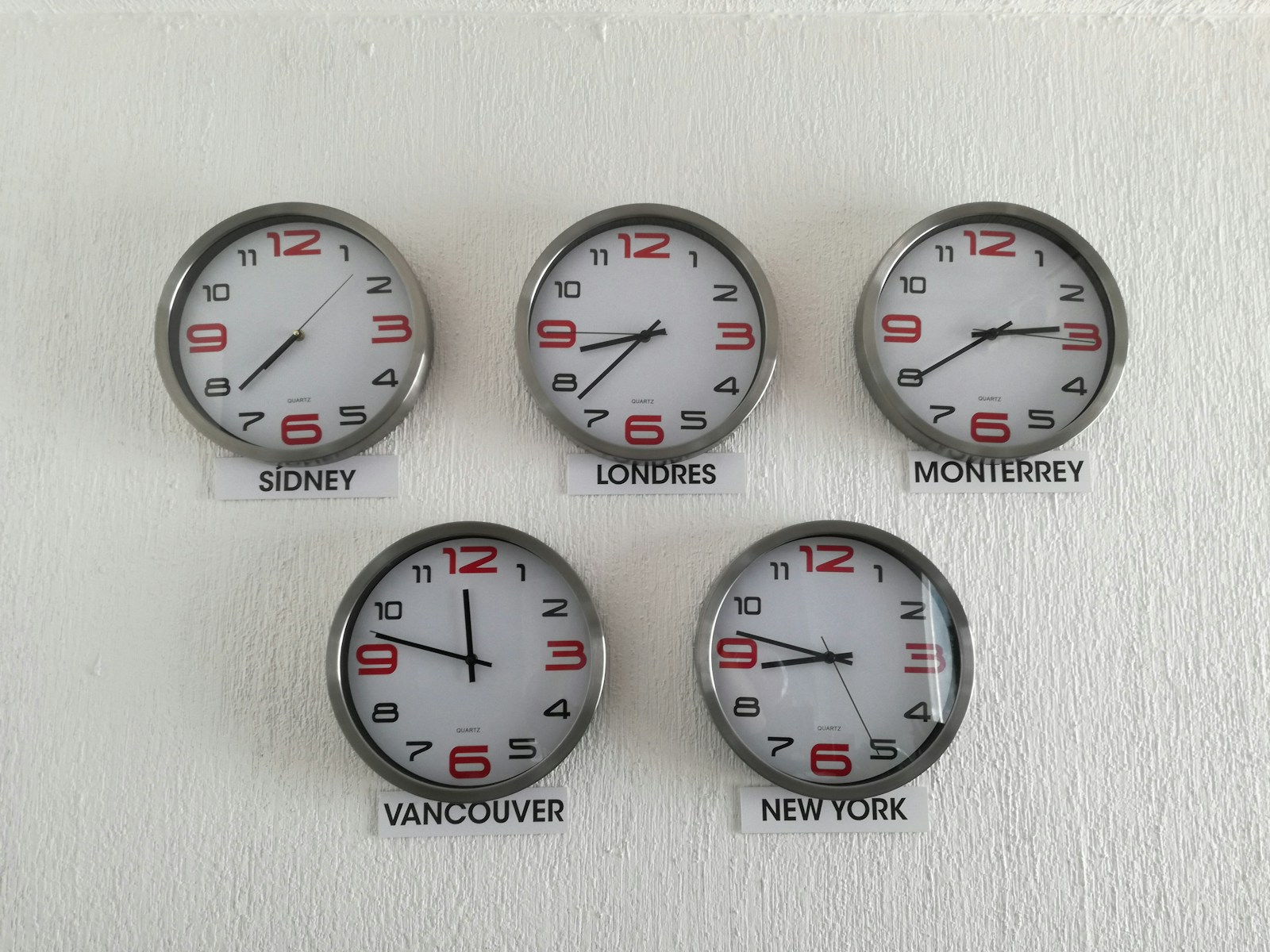
Timezones are where most home-built scheduling bots break, because language models are bad at timezone arithmetic and confident about it. Ask a model to convert "Tuesday 3 pm Eastern" to Central European Summer Time and it is usually right, sometimes an hour off around daylight-saving changes, and occasionally a day off. That is not a rate you can put in front of customers.
The fix is to never let the model convert anything. There are two zones in every booking:
- The visitor's zone, which is where slots must be displayed. The browser knows it: JavaScript's
Intl.DateTimeFormat().resolvedOptions().timeZonereturns an identifier such asAmerica/New_York, as documented on MDN's Intl.DateTimeFormat page. The widget passes that identifier along with the request, and the check-slots tool returns times already formatted in it. - The host's zone, which is where the booking must be made. It is fixed on the calendar's side, attached to the host or the meeting type, and the book call is made in it.
Those identifiers come from the IANA Time Zone Database, the shared list of named zones and their daylight-saving history that operating systems, browsers and calendar APIs all use; the IANA time zone page describes what it contains and how it is updated when a government changes its rules. Google Calendar's event API, for instance, requires that a start time's zone be given "as an IANA Time Zone Database name, e.g. 'Europe/Zurich'", per its events.insert reference. Using named zones rather than fixed offsets like "+02:00" is what makes daylight-saving transitions come out right without anyone thinking about them.
In PepoChat's flow the model sees slots in the visitor's local time, picks one by its label, and the booking goes to PepoSmart in the host's timezone. The model never does timezone math because it never has both zones in the same message. If you are evaluating another tool, ask exactly this: where does the conversion happen, and does the model ever see a raw UTC timestamp it is expected to translate?
How do you prevent double booking when a chatbot schedules meetings?
Double booking is two appointments landing in the same slot for the same person or resource. Cal.com's explainer on double booking lists the usual causes as disconnected calendars and the absence of real-time synchronisation, and its prevention as removing a slot from availability the moment it is taken.
A chatbot adds a new way to cause it. The check-slots call and the book call are separate, and a visitor might take minutes between them while they type their name and reconsider Tuesday. In that window another visitor, a colleague on the public booking page, or someone adding an event by hand can take the slot. The availability the bot showed was true when fetched and false by the time the visitor said yes.
The only reliable defence is re-validation at booking time: the calendar checks the slot again, atomically, when the book request arrives, and refuses it if it is no longer free. Showing availability is a read; booking is a write; the write must not trust the read. PepoSmart does this for every booking the agent makes, so the worst case is a polite "that time was just taken, here are the next options", never a conflict on the host's calendar.
Three related habits are worth adopting regardless of tool:
- Fetch fresh slots every time the visitor changes day or type; never let the model reuse an earlier list.
- Keep the offered list short, three to five slots, so the gap between read and write stays small.
- Have the book tool return the confirmed time and have the agent repeat it back verbatim.
If you build on Google Calendar directly, the freebusy query endpoint returns busy blocks for a set of calendars over a time range; that is the read side. You still need a write side that rejects conflicts, which is what a scheduling product provides.
Round-robin host assignment
Once more than one person can take a meeting type, someone has to decide who gets each booking. Round-robin assignment rotates new bookings across a pool of hosts according to a rule, so the visitor never has to choose a person and no host is silently overloaded.
Calendly's round-robin distribution overview is a good description of the two strategies most calendars offer. One optimises for availability: the visitor sees the pooled free time of every host, and when several are free the highest-priority teammate gets the meeting. The other optimises for equal distribution: the calendar tracks how many meetings each host has taken and hides the availability of anyone who gets too far ahead until the others catch up, which spreads the load evenly at the cost of offering fewer slots.
For a chatbot the important point is that this logic belongs in the calendar, not the bot. The agent asks "what slots are free for a demo" and later "book this one"; it never needs to know who the host will be. PepoSmart assigns the host when the booking is made, round-robin included. If you find yourself writing prompt instructions about which sales rep to pick, the integration is at the wrong layer.
Name and email: ask in chat or require a verified email?
A booking needs an email address: the confirmation goes there, the reminder goes there, and the host follows up there. Where that address comes from is a trade-off between friction and reliability.
PepoChat chats start anonymous, with no pre-chat form. Visitors can verify their email at any point with a 6-digit one-time code (10-minute expiry, 5 attempts, 60-second resend cooldown). When a visitor has done that, the booking uses the verified email, an address the visitor has proven they can read, so a typo is impossible and the confirmation will arrive. When the visitor is anonymous, the agent collects a name and email in the conversation and books with those.
Whatever you choose, ask only what the booking needs. A chatbot that wants company size, phone number and "how did you hear about us" before offering a slot is a form with extra steps, and visitors abandon it the same way.
Confirmations, reminders and meeting links

The visitor's experience of a booking is mostly the email that arrives afterwards. It has to contain the time in their timezone, a calendar invitation, and a join link. Then a reminder has to arrive before the meeting, because a chat is the easiest place to book something and forget it.
None of this should be generated by the chatbot. In PepoChat's flow PepoSmart creates the Google Meet, Zoom or Teams link when the booking is made, sends the confirmation email and the reminders, and the agent's only job is to tell the visitor to expect them.
Two checks after your first test booking: open the confirmation on a phone and confirm the time reads correctly for the visitor's zone, and click the join link from an account that is not the host's.
When should the chatbot not book?
The scheduling feature works best when it is narrow. Beyond the "when to offer" notes above, a few hard limits are worth setting in the tool itself or the calendar rather than trusting the prompt:
- Paid meeting types. Excluded automatically in PepoChat. If your tool does not exclude them, untick them.
- Rescheduling and cancelling. Point visitors at the link in their confirmation email, which authenticates them. Letting a chat session cancel someone else's meeting by email address alone is a bad idea.
- Requests outside the offered types. "Can I book two hours with your CTO" should go to a person, not be squeezed into a demo slot.
- Anything that failed. An error from the book call, a slot that was taken, or a visitor who gives up mid-flow should land in the team inbox with the transcript, so a human can finish the job. Human handoff for AI chatbots covers how that escalation should behave.
An agent that knows when to stop books fewer meetings, and every one of them is a meeting someone wanted.
What about returning visitors who have met you before?
An optional layer on top of booking is meeting memory: the agent's ability to recall a verified visitor's own previous meetings so they do not have to repeat themselves. In PepoChat it is off by default. When enabled, and only after the visitor verifies their email, the agent can see that person's past meeting dates, key interests, commitments and summaries from PepoSmart meeting notes. Raw transcripts, recordings, coaching scores and other attendees' details never cross, and access is logged on both sides.
The practical effect is that a returning customer who says "can we continue from last month" gets a follow-up slot rather than a first-time demo. The meeting memory explainer covers what it shows and what it withholds.
Test the flow before you switch it on
Ten minutes with a colleague in another timezone catches most problems. Use the widget on a page whose domain is on your allow-list and run through these:
| Test | Pass condition |
|---|---|
| Ask for a demo from a browser set to a distant timezone | Slots read correctly in that zone; the booked event lands at the right hour on the host's calendar |
| Book the same slot from two browsers at once | The second attempt is refused and offered alternatives; no duplicate on the calendar |
| Ask a support question that does not warrant a meeting | The agent answers from the knowledge base or escalates; no slot is offered |
| Ask for a meeting type you did not expose | The agent explains it cannot book that and offers a human |
| Book as an anonymous visitor with a mistyped email | The agent repeats the address back and lets you correct it before booking |
| Verify your email, then book | No email question is asked; the confirmation arrives at the verified address |
| Book in the week of a daylight-saving change | Time in the confirmation matches what the chat showed |
| Let the booking fail on purpose (revoke the API key) | The bot apologises, says the scheduling system could not be reached, and offers to connect the visitor with a person |
If the widget is not on your site yet, start with installing the chat widget, and build the knowledge base with the training guide so that "book a call" is not the agent's only answer.
What to do next
- To compare the tools side by side, read our roundup of AI chatbots with appointment booking. If your calendar re-validates on booking, shows the visitor their own time, and only offers meeting types you chose, a chatbot can schedule meetings with fewer errors than a shared inbox. Pick one meeting type, write its "when to offer" note with the negative cases first, and run the tests above.
In PepoChat, appointment booking is available on the free plan alongside every other feature; the pricing page lists the monthly limits and the use cases page shows how booking fits next to order lookups and ticketing. To try it, create a free workspace, connect a PepoSmart calendar with its API key, and tick one meeting type. If your scheduling setup is unusual, the contact page is the place to ask before you wire it up.
Frequently asked questions
- How does an AI chatbot book appointments from a real calendar?
- The chatbot calls tools rather than guessing. A check-slots tool fetches live availability from the connected calendar for a chosen meeting type, the visitor picks a time, and a book tool sends that slot to the calendar, which re-validates it, assigns a host, creates the meeting link and sends the confirmation. In PepoChat those tools are created per meeting type from a connected PepoSmart calendar.
- How does a scheduling chatbot handle timezones?
- The safe design converts once, in code, and never asks the language model to do arithmetic. Slots are displayed in the visitor's timezone, which the browser reports as an IANA zone name such as America/New_York, and the booking is made in the host's timezone on the calendar side. PepoChat's flow works this way, so the model never sees both zones in one message.
- Can a chatbot double-book a meeting slot?
- It can if the calendar trusts the availability it showed earlier, because another visitor or a colleague may take the slot while someone is still typing their name. The fix is re-validation at booking time: the calendar checks the slot again when the book request arrives and refuses it if it is taken. PepoSmart does this for every booking PepoChat's agent makes.
- Which meeting types should a chatbot be allowed to offer?
- Start with one or two low-risk types, such as a 30-minute demo and a 15-minute support call. Leave out internal meetings, long sessions and anything with a price; PepoChat excludes paid event types from bot booking automatically. Write a short rule per type saying when the agent may offer it and, more importantly, when it must not.
- Does the visitor need to give an email to book through the chatbot?
- Yes, because the confirmation, reminder and meeting link go to that address. In PepoChat, a visitor who has verified their email with a one-time code is booked with that verified address, so typos are impossible. An anonymous visitor is asked for a name and email in the conversation, and the agent repeats the address back before booking.
- Who sends the confirmation email and meeting link after the chatbot books?
- The calendar system, not the chatbot. When PepoChat's agent books a slot, PepoSmart assigns the host (round-robin if configured), creates the Google Meet, Zoom or Teams link, and sends the confirmation email and reminders. The agent only tells the visitor the confirmed time and to expect the email, and escalates to the team inbox if anything fails.
Try this on your own site in ten minutes
PepoChat includes every feature on the free plan — 200 AI replies and 5 knowledge sources a month, no credit card.
Keep reading
Chatbase vs PepoChat: Which AI Support Agent Fits Your Team in 2026?
An honest side-by-side of Chatbase and PepoChat on pricing, free plan or trial, sources, handoff, booking, actions, channels and voice, and a pick by team type.
Intercom Fin Pricing Explained, and What a Flat-Plan Alternative Costs
What Intercom Fin's $0.99 per outcome adds up to once you count resolutions and seats, with a worked 2,000-conversation example and when a flat plan wins.